
Using MailCleaner
Abil’I.T. provides antispam/antivirus services, based on the MailCleaner application.
Connect to the web interface
The URL is: https://mailcleaner.abilit.eu
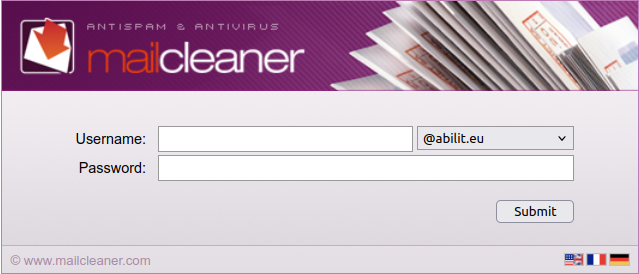
You can change the interface language by clicking on the flags (lower-right corner).
You should login, using your e-mail address (take care of selecting the right domain) and your IMAP password. Then click on “Submit”.
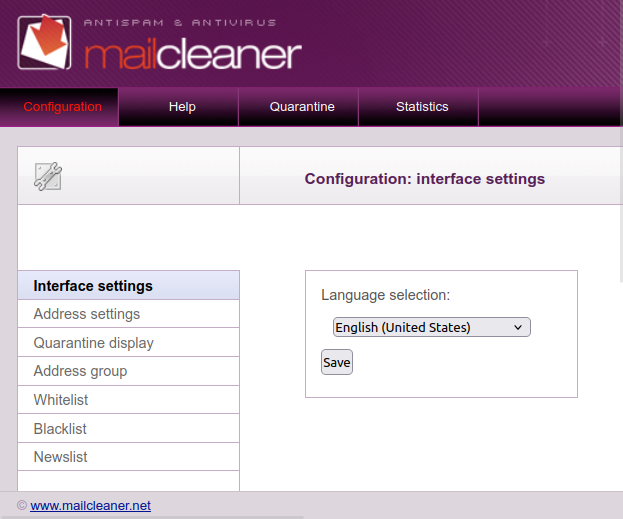
Once logged, you can access a lot of options and features, such as your white and black lists:
Under the “Quarantine” tab, you may find a set of e-mails that are “on hold” because they don’t respect the anti-virus, anti-spam rules, such as:
- suspect attachements
- virus found
- illegitimate e-mail source
- …
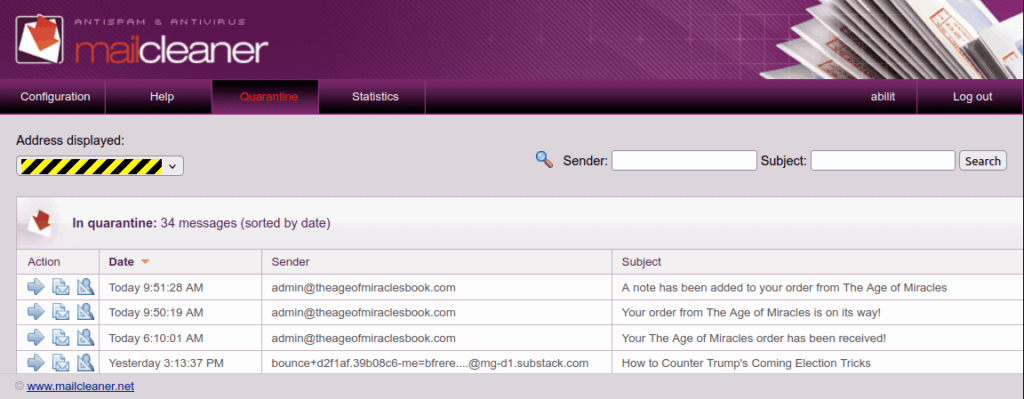
You can then “free” an e-mail from this jail by clicking on the arrow icon, at the left.
More documentation can be found on the MailCleaner official web site.
In case of problem, call our help-desk. We may even be able to remotely assist you.